Heads up: some of the links in this post are affiliate links, including the Higgsfield link. If you sign up through one I may earn a commission at no extra cost to you. I only write about tools I actually pay for and use in my own business, and this one I use almost daily.
A while back I needed a full spread of ad creative for my own business. Website builds, care plans, local SEO, site rescue, seasonal promos, gift cards. Thirty something pieces total, all of it needing to look like it came from the same brand.
The old math on that job was rough. A freelance designer at $75 an hour, a week of revision emails, and a photo shoot I did not feel like scheduling. Call it $2,000 and two weeks if everything went smoothly, which it never does.
I did it in one afternoon instead.
The tool was Higgsfield. This post is not a feature list. It is the actual campaign I built, the actual output, and the prompts you can copy and adapt for your own business today.
What Higgsfield Actually Is
Higgsfield is an AI generation platform that puts a lot of different models behind one login. Image models, video models, audio, upscaling, background removal. You are not juggling six subscriptions.
The part that matters for small business marketing is image to video. Most AI video tools make you describe a video in text and hope the machine understood you. That is a terrible way to make an ad, because your logo, your headline, and your brand colors all live in the composition, and you cannot see the composition until it is already rendered.
Higgsfield lets you generate the still frame first. You look at it. You fix it. You approve it. Then you animate that exact approved frame. For ad work that is the whole ballgame.
Step 1: Upload Your Logo, Do Not Describe It
This is the mistake I see everyone make. They type "a hexagonal blue logo for a web design company" and then get frustrated when the AI invents something that is not their logo.
Do not describe your logo. Upload it as a reference image and then refer to it in the prompt as "the referenced logo" or "the logo from the reference image." Higgsfield will treat it as an object to place in the scene instead of a thing to reinvent.
Here is a dark product reveal frame built that way. My real logo, untouched, rendered as if it were a machined metal object in a studio.
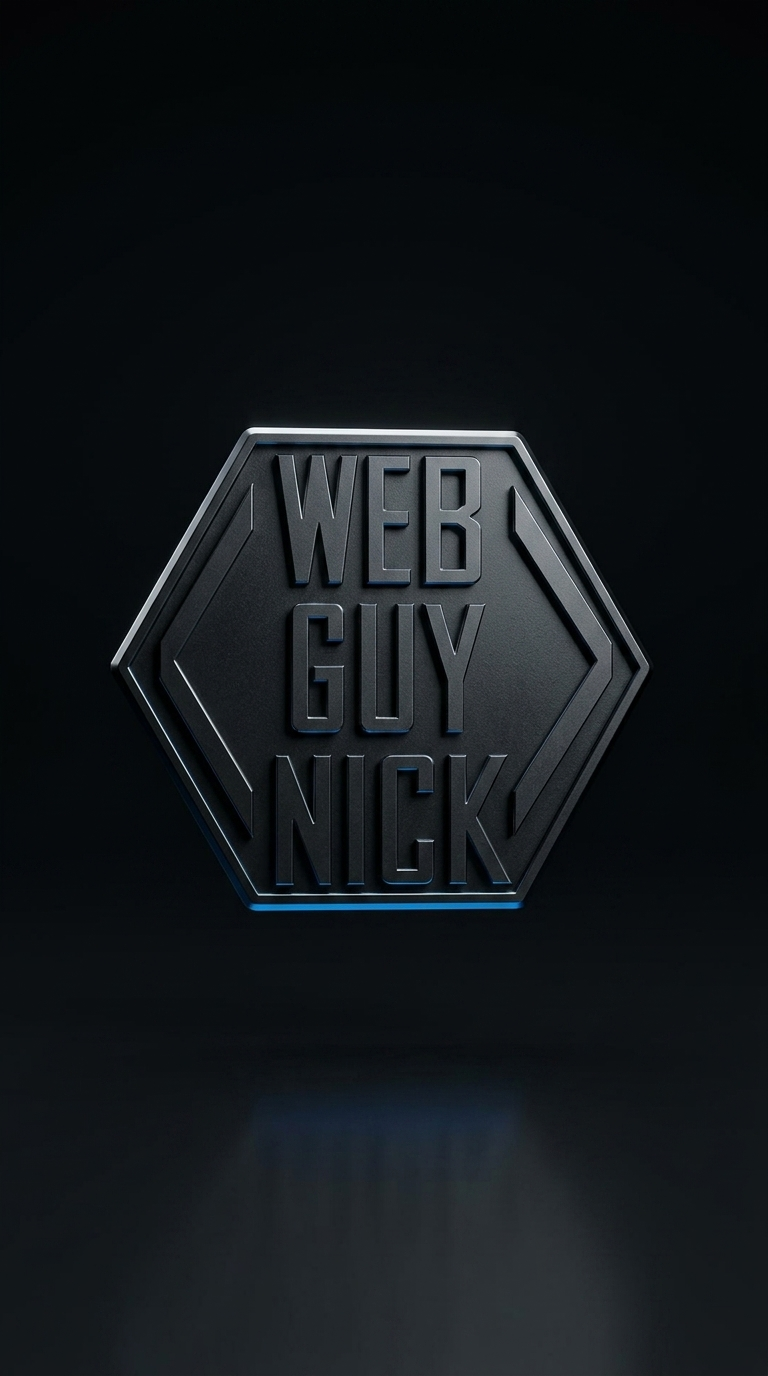
Then I fed that exact still back in as the starting frame for a 15 second video. Same logo, same lighting, now moving.
Step 2: Put Your Hex Codes Directly In The Prompt
"Blue" is not a brand color. "#0A84FF" is a brand color.
Every prompt I write includes my actual palette with hex values spelled out, and it holds up shockingly well across generations. Mine looks like this:
Color palette: ink black #101319 background,
electric blue #0A84FF primary accent,
vibrant green #30D158 for positive states and the footer,
neon red #FF3B30 for warnings and problem states.
I paste that same block into every single prompt. That is the entire secret to why thirty different ads look like they came from one brand instead of thirty different freelancers.
Do the same with your fonts. I specify "bold white condensed Oswald style headline" and "monospace JetBrains Mono subline" every time. The AI is not literally loading those fonts, but naming a real typeface gets you far closer than "modern font."
Step 3: Build A Character Reference Once, Reuse It Forever
If you want to be in your own ads, or you want a mascot character, Higgsfield lets you save a reference element. Upload a few photos, name it, and from then on you drop that name into any prompt and get the same face back.
I built one for a viking character I use in the fun side of my marketing. Same guy, wildly different scenes, no re-uploading photos every time.
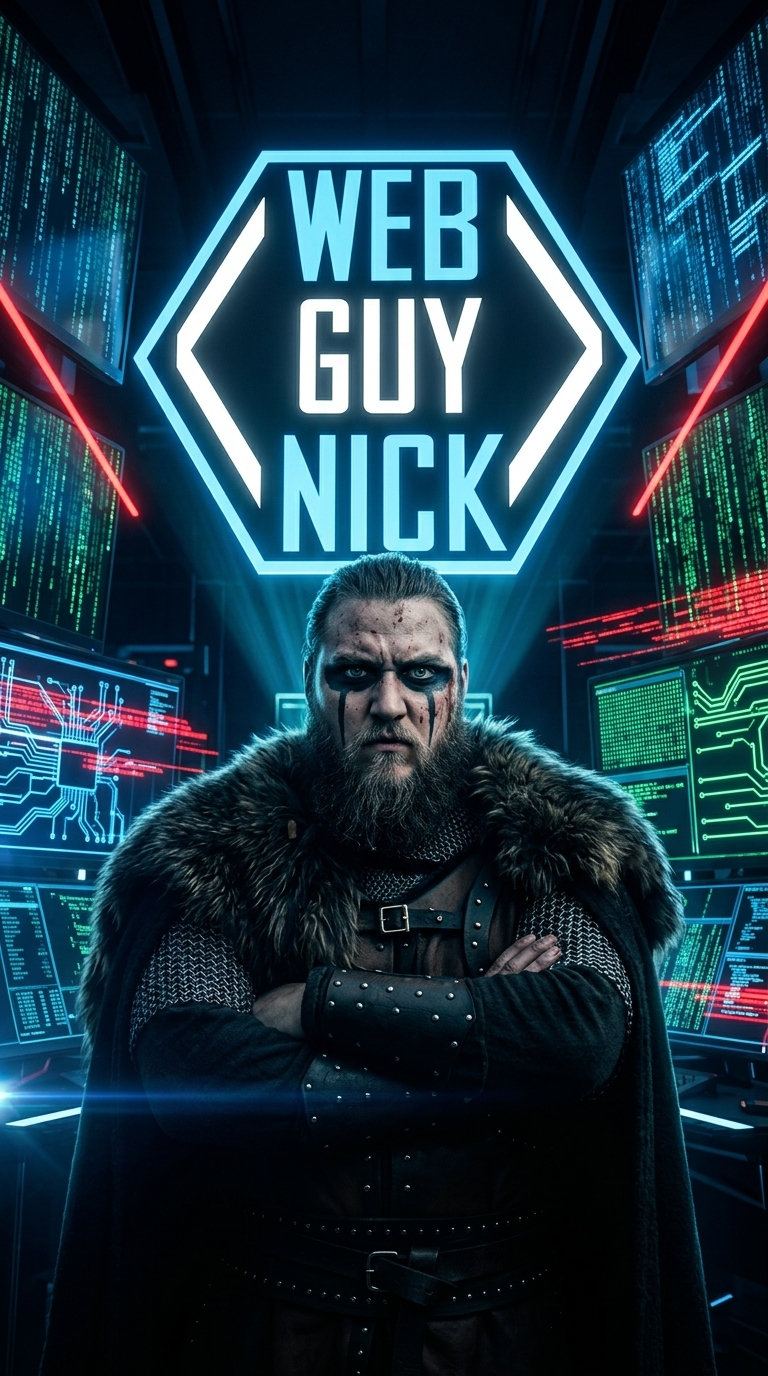
For a real small business this is how you get a recurring on-camera presence without ever scheduling a shoot. A restaurant owner, a contractor, a dentist. Photograph yourself properly one time, save the reference, and you can put yourself in a hundred ads.
Step 4: Animate The Still, But Lock The Camera
This is the trick that took me the longest to figure out, so I will save you the trouble.
When you animate a still that has text on it, the AI will happily move the camera and smear your headline into gibberish. The fix is to explicitly tell it not to. My animation prompts almost always open with the same line.
Camera locked, static shot. [Describe ONLY the one element
that should move.] Everything else in the poster stays
perfectly still, all text remains crisp and unchanged.
Smooth satisfying loop.
One moving element. Everything else frozen. That is what turns a flat image into something that stops a thumb without destroying your copy.
Step 5: Batch Your Seasonal Campaigns Months Early
Here is where this actually saves a small business owner real money. Seasonal creative is the stuff that always gets skipped, because in the second week of December nobody has time to design a holiday promo.
Since generating an ad now takes about ninety seconds, I sat down one evening and produced an entire year. Black Friday, Small Business Saturday, Cyber Monday, Christmas, New Year, Valentine's Day, Father's Day, Halloween. All of it done, sitting in a folder, waiting.
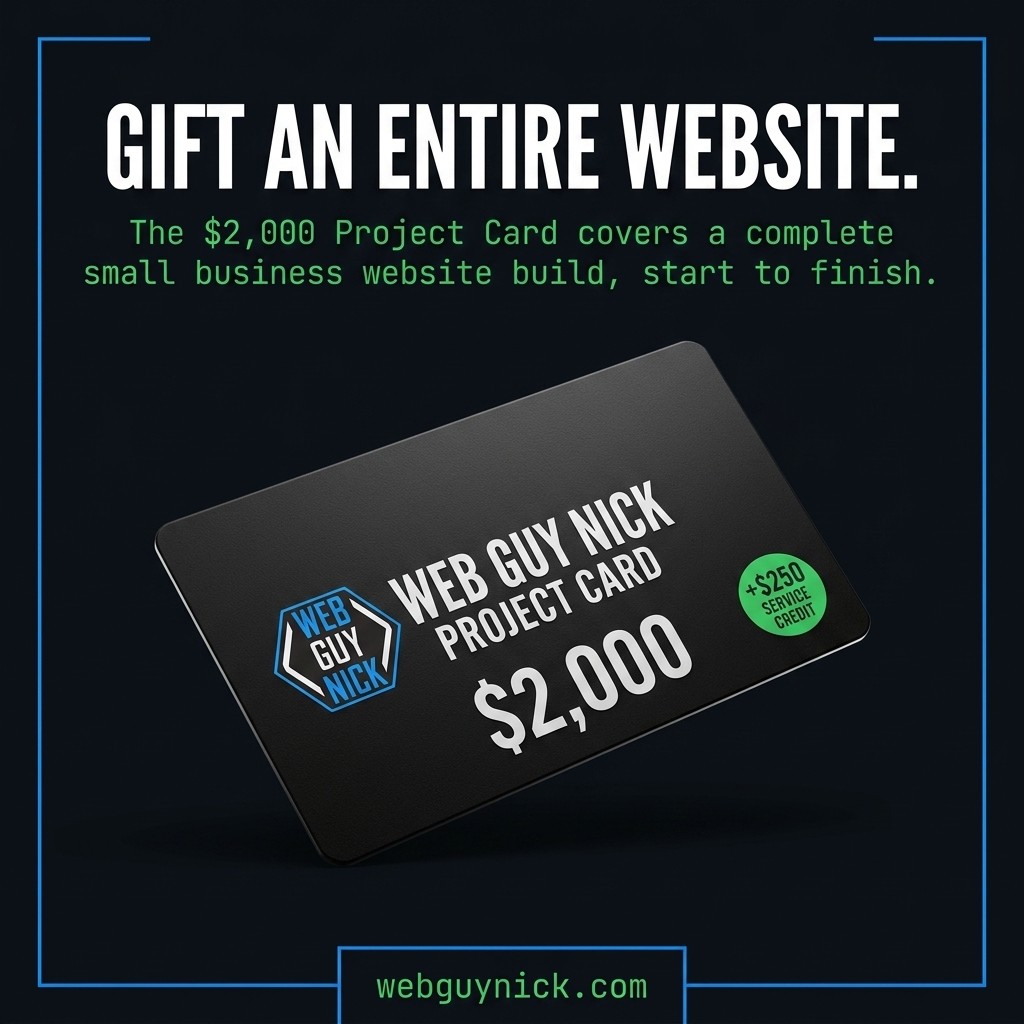
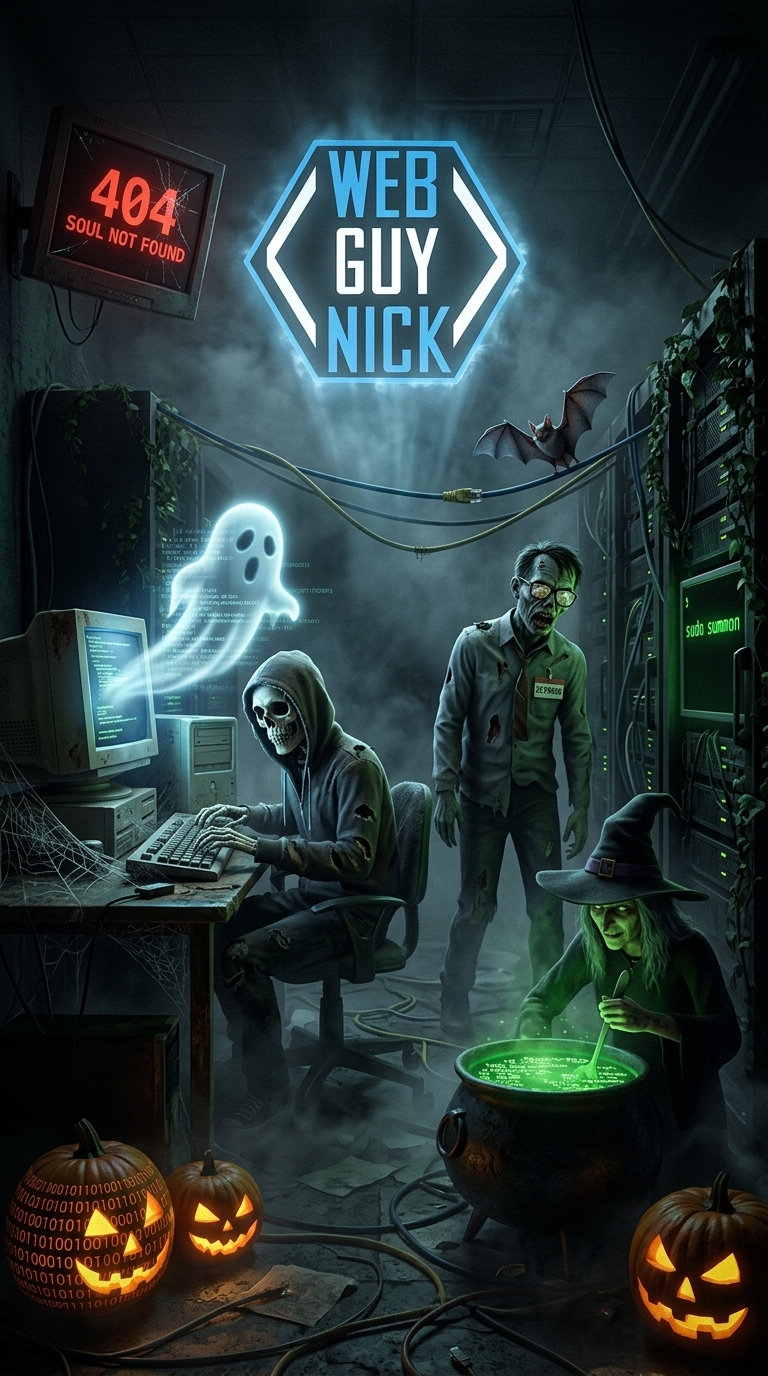
If you run a business with any kind of seasonal rhythm, block off one evening and build the whole year. It is the single highest leverage thing on this list.
The Prompt Formula That Does Most Of The Work
Every ad I make follows the same skeleton. Fill in the brackets and you will get something usable on the first or second try.
Premium advertising poster on a deep [BACKGROUND COLOR + HEX]
background with thin [ACCENT COLOR + HEX] HUD bracket corners.

Hero visual: [ONE clear object or scene. Just one. Do not
stack three ideas here.]

The logo from the reference image sits small and crisp in the
top left corner.

Bold white condensed Oswald style headline: '[YOUR HEADLINE
IN CAPS, UNDER 8 WORDS]'

Monospace JetBrains Mono subline in light gray: '[ONE SENTENCE
OF SUPPORTING COPY]'

Small [ACCENT COLOR] badge reading '[SHORT PROOF POINT]'

Footer bar in [ACCENT COLOR] monospace: '[YOURDOMAIN.COM]'

High contrast, generous negative space, crisp perfectly
legible text.
Three rules that make or break it. Keep the headline under eight words. Use one hero object, not three. Always end with a request for legible text, because it genuinely improves the odds.
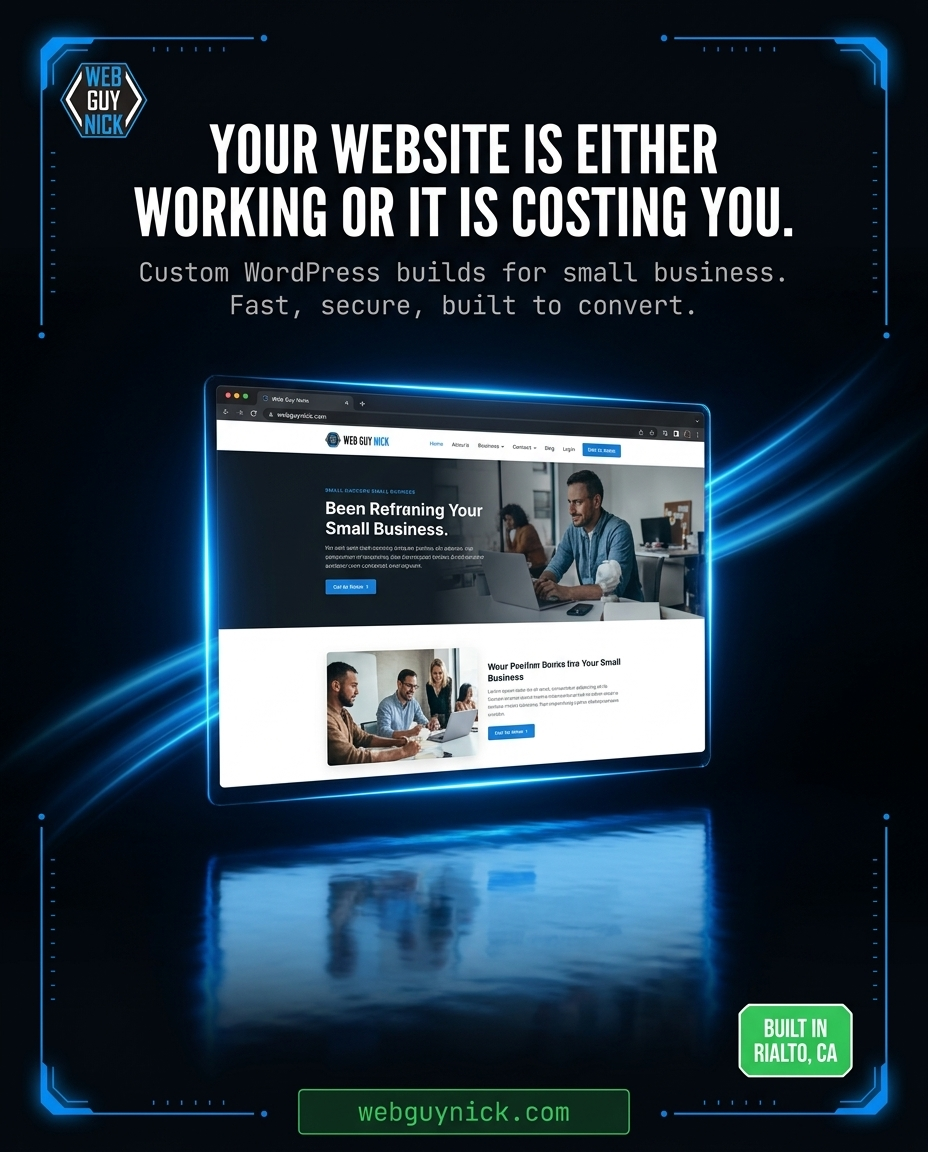
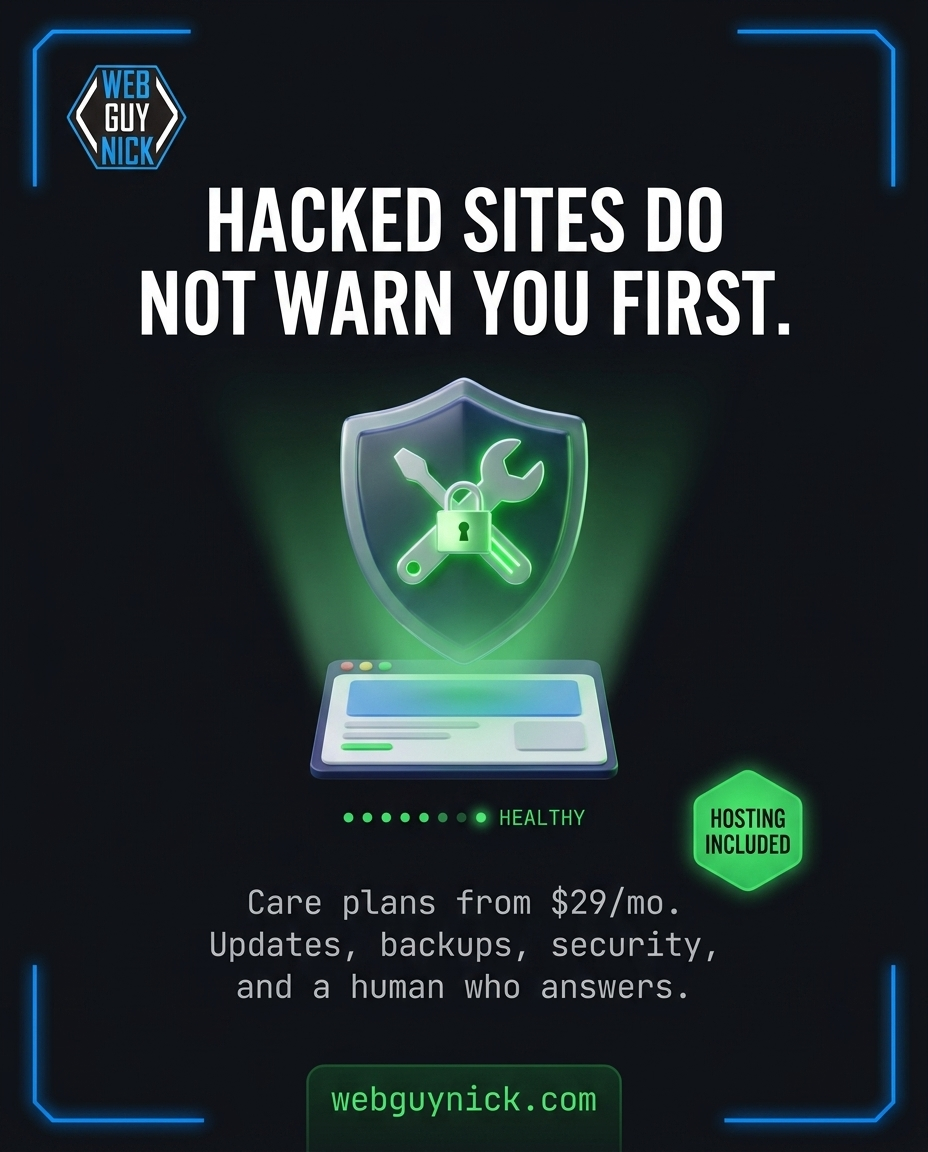
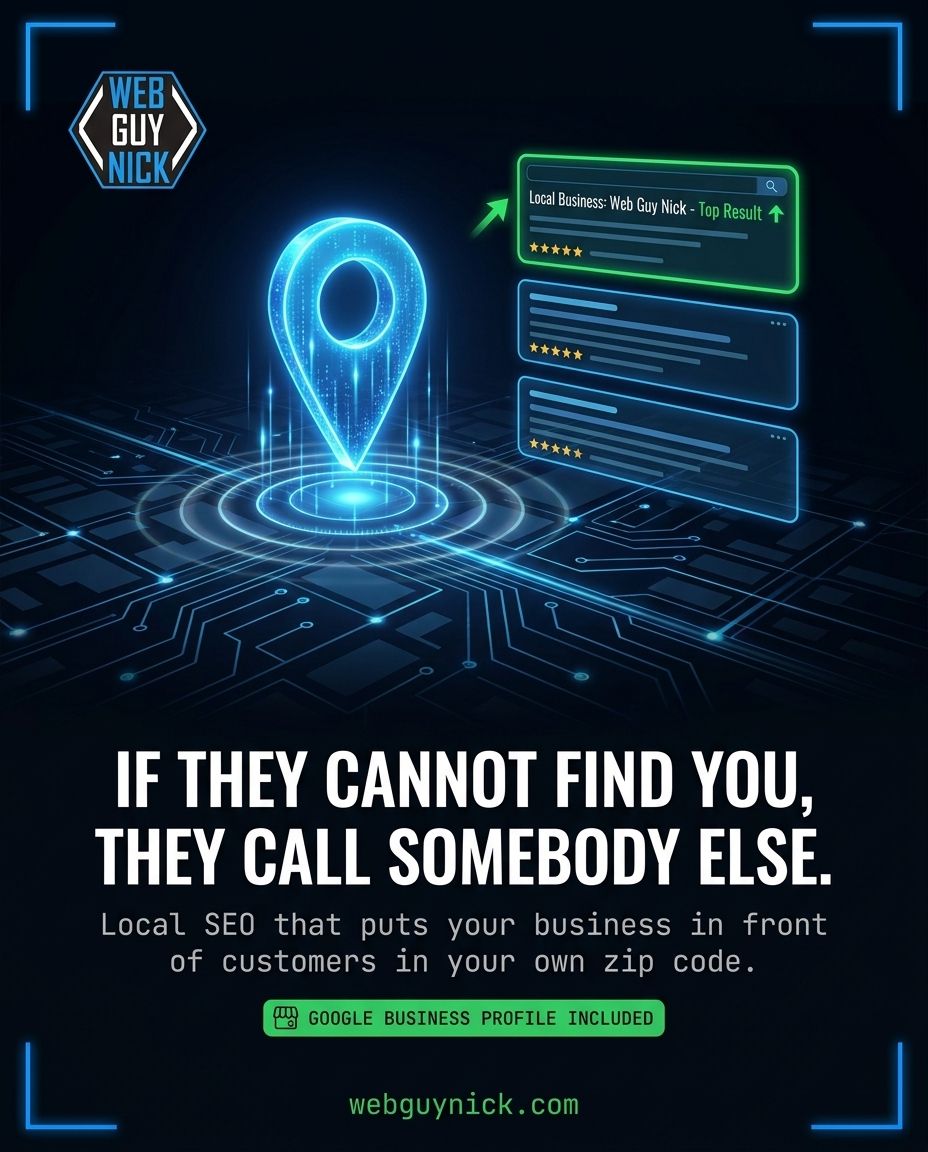
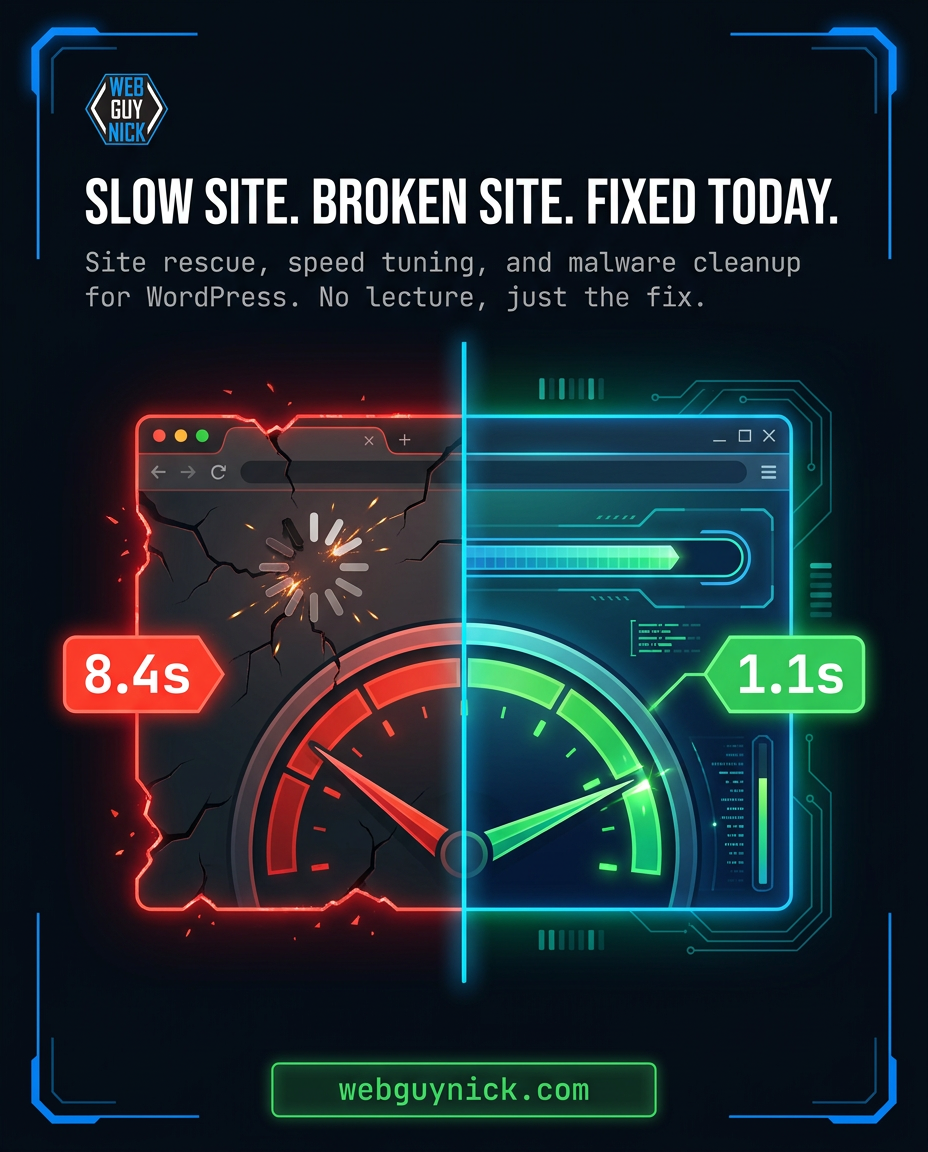
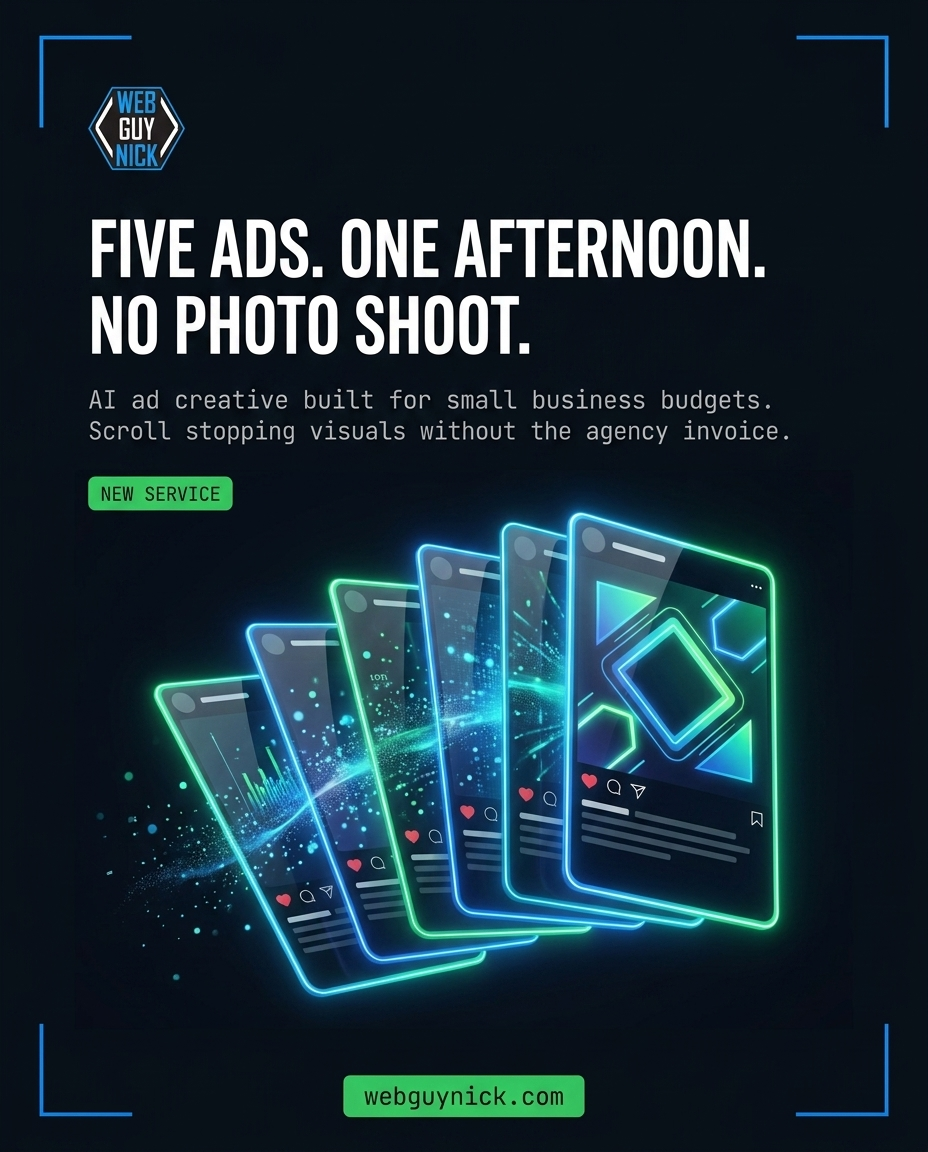
Here are five ads I generated with that exact formula while writing this post. Total time, under ten minutes.
What It Costs Versus What I Used To Pay
Higgsfield runs on a credit system with a few subscription tiers, and the pricing moves around, so check the current numbers yourself rather than trusting a blog post. What I can tell you is the shape of it.
A still image ad costs me a small handful of credits and lands in about ninety seconds. A 15 second video with sound costs more and takes a few minutes. My monthly spend on the whole thing is less than what one designer used to charge me for a single revision round.
The honest comparison is not really money though. It is iteration. When an ad costs $300, you run one. When it costs pennies, you run eight variations and let the data tell you which headline works. That is the actual unlock, and it is the thing that matters most for a small business with a small ad budget.
Where Higgsfield Falls Short
I am not going to pretend this is magic, because you will find out in twenty minutes anyway.
- Text rendering is still a coin flip. Short headlines usually come out clean. Anything past about eight words starts producing typos and invented letters. Budget two to four attempts on text heavy ads.
- It cannot do a paragraph. If your ad needs real body copy, generate the visual in Higgsfield and lay the text over it in Canva. That hybrid workflow beats fighting the model.
- Hands and crowds still get weird. Complex scenes with several people doing several things will give you the classic AI tells. Keep scenes simple and you mostly avoid it.
- Video tops out short. You are working in 5 to 15 second clips. Great for social. Not a 60 second commercial without editing several pieces together.
- It has no idea what your customers want. This is the big one. Higgsfield will execute a bad offer beautifully. It does not know your margins, your market, or why people actually buy from you. The strategy is still your job.
That last point is worth sitting with. I wrote more about that balance in AI ads that actually sell, because the businesses getting results are not the ones generating the most images. They are the ones with a clear offer who then use AI to test it faster.
Who This Is Actually For
Worth your time if you post to social regularly and keep running out of visuals, if you have seasonal promotions you always mean to design and never do, if you have been quoted agency prices for ad creative and choked, or if you already have a clear offer and just need more shots on goal.
Skip it if you post twice a year, if your ads need dense legal or technical copy, or if you are hoping a tool will fix a business problem that is really a positioning problem. It will not.
How To Start Without Wasting A Weekend
Do it in this order and you will have usable ads on day one.
- Grab your logo as a clean PNG with a transparent background and upload it as a reference.
- Write down your brand hex codes. If you do not know them, pull them off your website.
- Copy the prompt skeleton above into a notes file. This becomes your template.
- Make one ad for your single best selling service. Just one. Get it right.
- Then swap out only the hero visual and the headline to produce the next four.
- Take your favorite still and animate it with the camera locked prompt.
You can create a Higgsfield account here and work through those six steps in about an hour. If you do sign up through that link it kicks a commission back to me, which is what keeps posts like this one coming.
One Last Thing About Where The Ads Point
Beautiful ads pointed at a slow, broken, or outdated website are an expensive way to lose people. I have watched clients spend real money driving traffic to a homepage that took nine seconds to load. The creative was not the problem.
If you are about to start running AI generated ads, get the destination right first. That means a site that loads fast, works properly on a phone, and has an obvious next step. Then keep it that way, which is exactly what my website care plans are built to handle so you are not the one chasing plugin updates at midnight.
Want Me To Look At Your Site First?
Send me your URL and I will run a real audit on it. Speed, mobile experience, security, and whether the page is actually set up to convert the traffic you would be sending it. No sales script, just a straight answer about what I would fix and in what order.
Send me your site at webguynick.com/contact and I will take a look.