
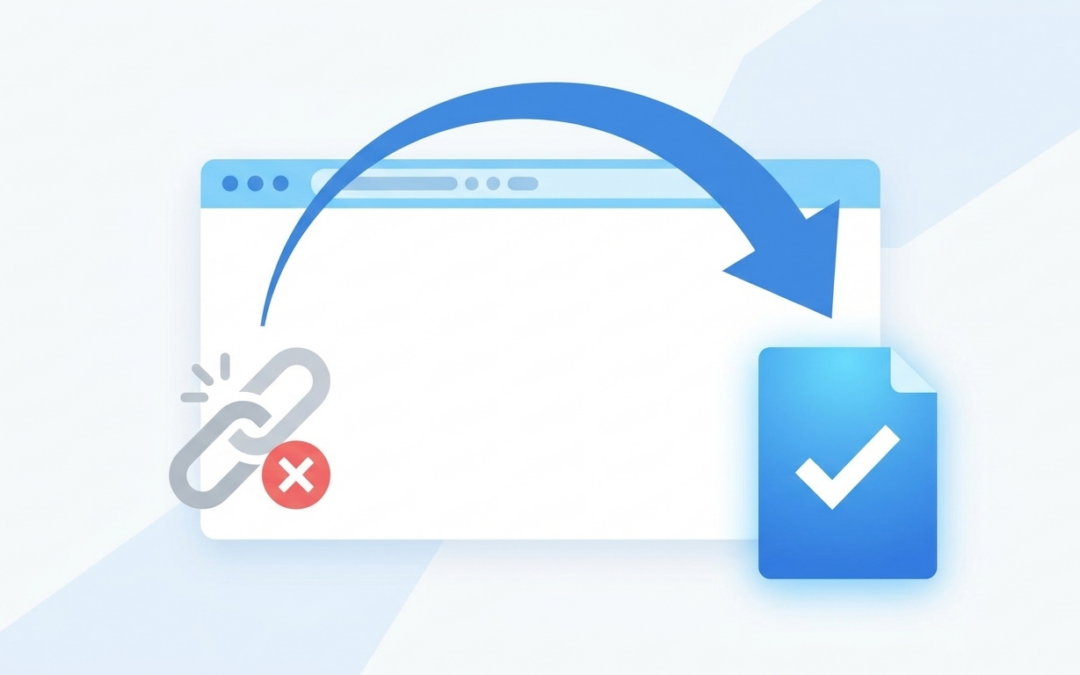
If you have ever renamed a page, retired an old blog post, or moved your site to new hosting, you have probably hit this problem: the old URL still exists, Google still has it indexed, and now two versions of the same content are floating around. A 301 redirect fixes that, and it takes about five minutes once you know where to click.
I had a client rename a service page last month, from /web-design/ to /website-design-services/, without redirecting it. Two weeks later, organic traffic on that page had dropped almost 40 percent. Google had the old URL indexed and backlinks pointed there, but none of it forwarded to the new page. A five-minute fix would have prevented the whole thing.
What a 301 Redirect Actually Does
A 301 redirect tells browsers and search engines that a page has permanently moved from one URL to another. Anyone who visits the old link, whether it is a person clicking an old bookmark or Googlebot crawling your site, gets sent straight to the new page automatically.
The “301” part matters. It is a permanent redirect, which tells Google to transfer the old page’s ranking signals to the new URL instead of treating them as two separate, unrelated pages. A 302, by contrast, signals a temporary move and does not pass that SEO value the same way. For anything permanent, you want a 301.
When You Actually Need One
Redirects come up more often than most owners think. You need one when you rename a page or change its URL slug, discontinue a product or service page, merge two blog posts into one, or migrate your site to a new domain or a new hosting provider. Even something as small as fixing a typo in a URL you already published counts.
The rule is simple: if a URL that used to work now returns a 404, something should be redirecting it.
How to Set One Up in WordPress
You have two solid options. If your site runs a plugin like Pretty Link, Redirection, or one built into your SEO plugin, use that. Go to the redirect screen, enter the old URL in the source field and the new URL in the target field, set the type to 301, and save. Most of these plugins log 404 errors automatically, so you can see which old links are getting hit and redirect them from the same list.
You can also add redirect rules directly to your .htaccess file, but only if you are comfortable editing server files. One typo there can take your entire site down. For most small business owners, a plugin is the safer, faster route.
Mistakes That Quietly Hurt Your SEO
A few things trip people up. Redirect chains, where URL A redirects to B, which redirects to C, slow down page load and confuse crawlers. Point every redirect straight at its final destination. Redirecting everything to your homepage instead of the closest matching page is another common shortcut that hurts more than it helps. Google sees that as a soft 404 and it tells visitors nothing about where the content they wanted actually went.
It is also worth updating your internal links once a redirect is in place, rather than leaving your own site to redirect from itself. And do not forget your navigation menu and any old blog posts that might still link to the retired URL.
Cleanup like this is exactly the kind of small, easy-to-forget task that piles up over time on a site nobody is actively watching. It is one of the things I handle for clients under my website care plans, so redirects, broken links, and 404s get caught before they cost you traffic.
How to Check It Is Actually Working
Once you have set up a redirect, test it in an incognito browser window by typing in the old URL directly. You should land on the new page automatically, with no delay and no error message. You can also run the URL through an online redirect checker tool to confirm it is returning a 301 status code and not a 302 or a 200.
If you recently changed URLs and never checked whether the old ones redirect, that is worth doing today, not next quarter. Every day those links sit broken is traffic and ranking signal you are not getting back.
If you are not sure whether your redirects are set up correctly, or you inherited a site with URLs scattered all over the place, I will walk through a site audit with you and tell you exactly what is broken and what to fix first. Get in touch here and we will go through it together.